


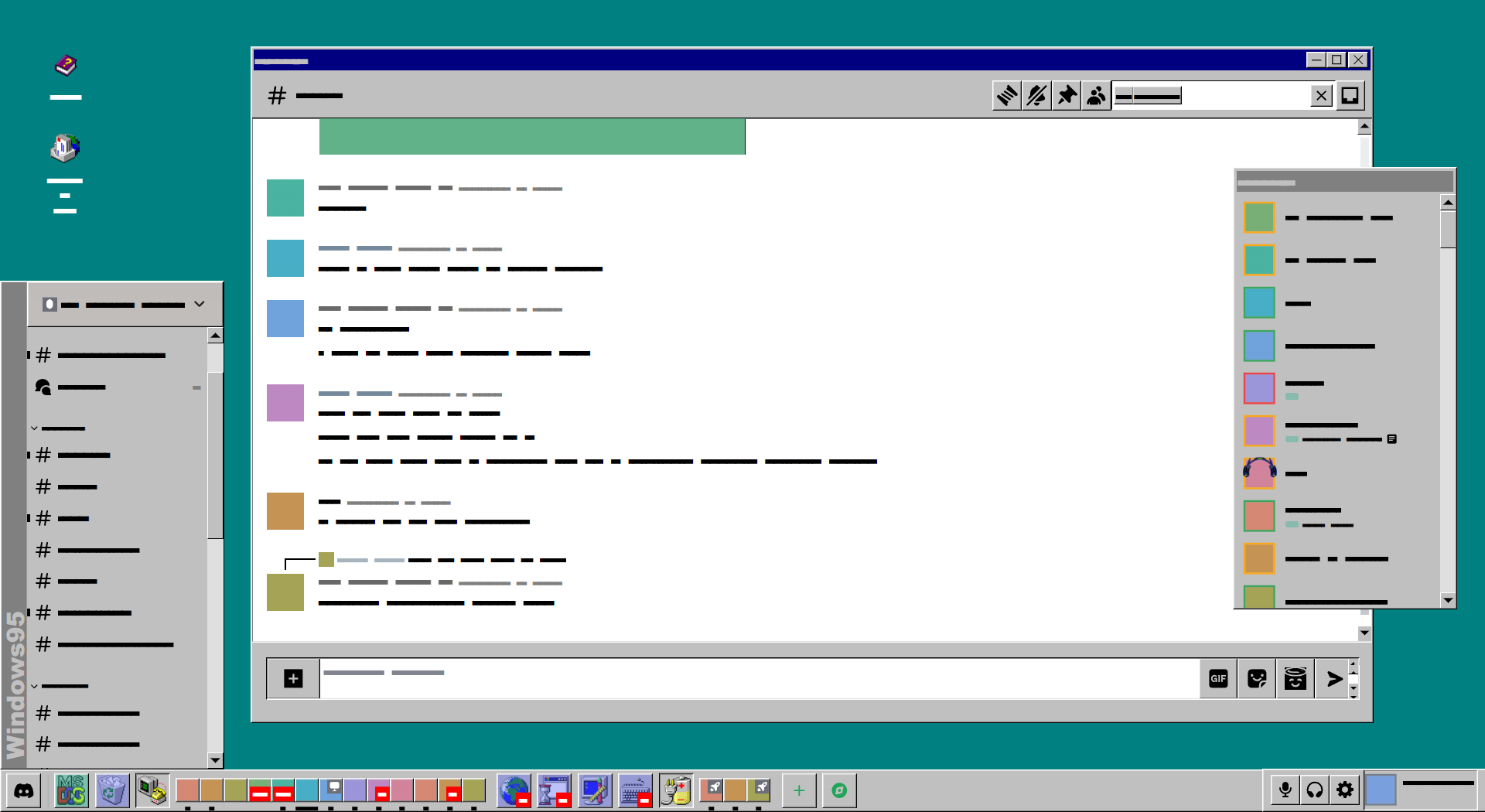
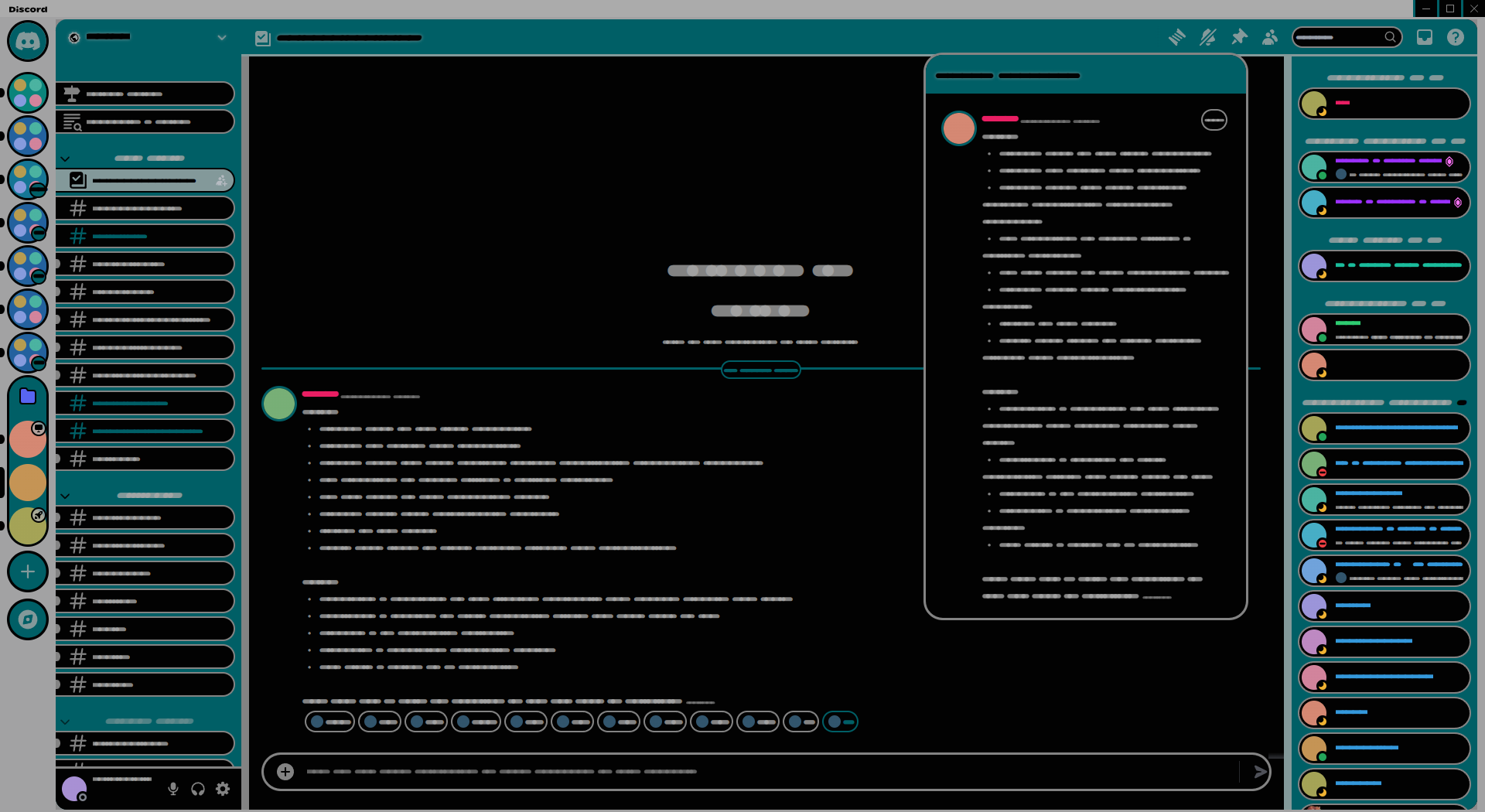
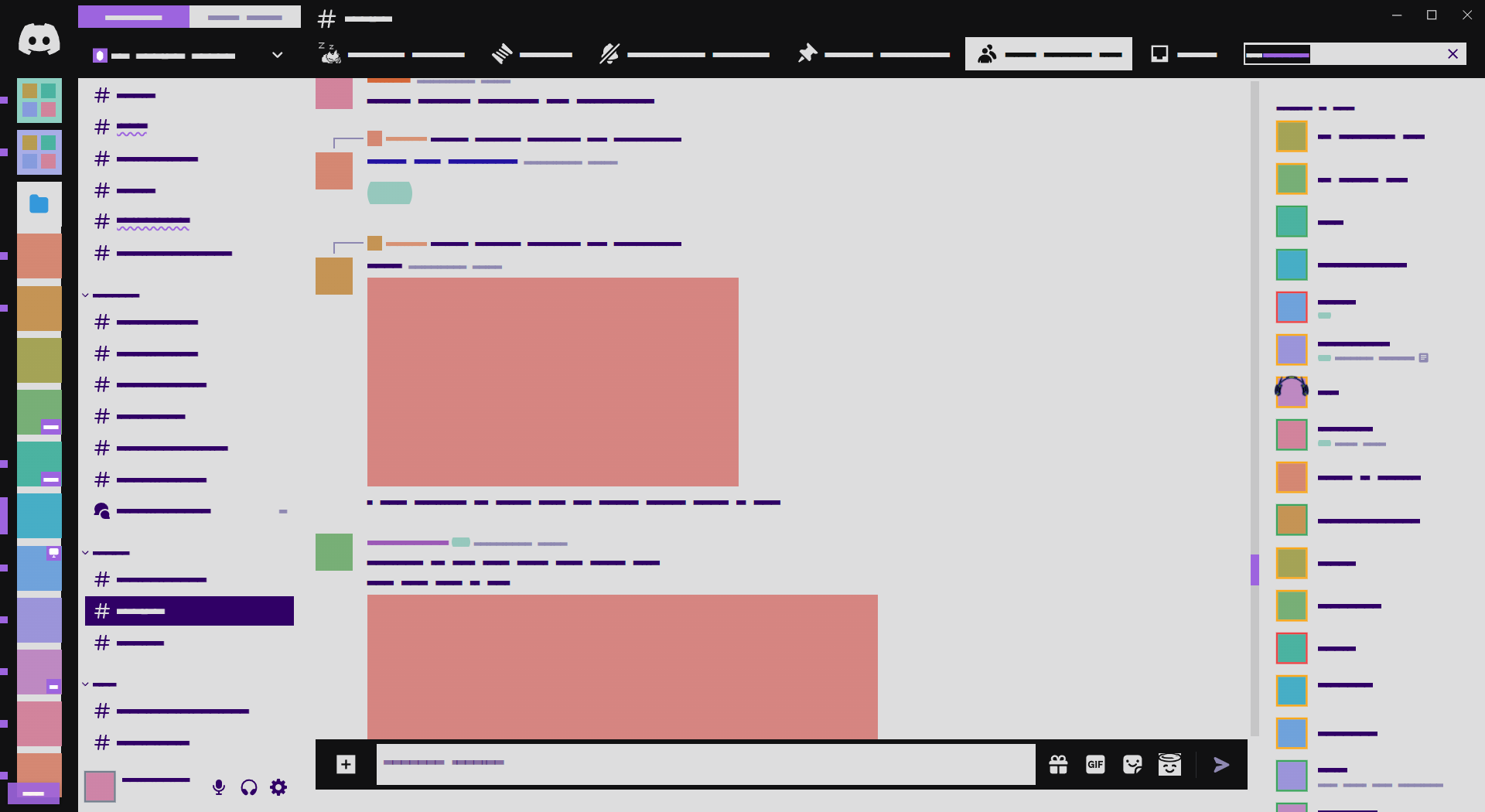
A Discord theme for demonstrating Discord themes.
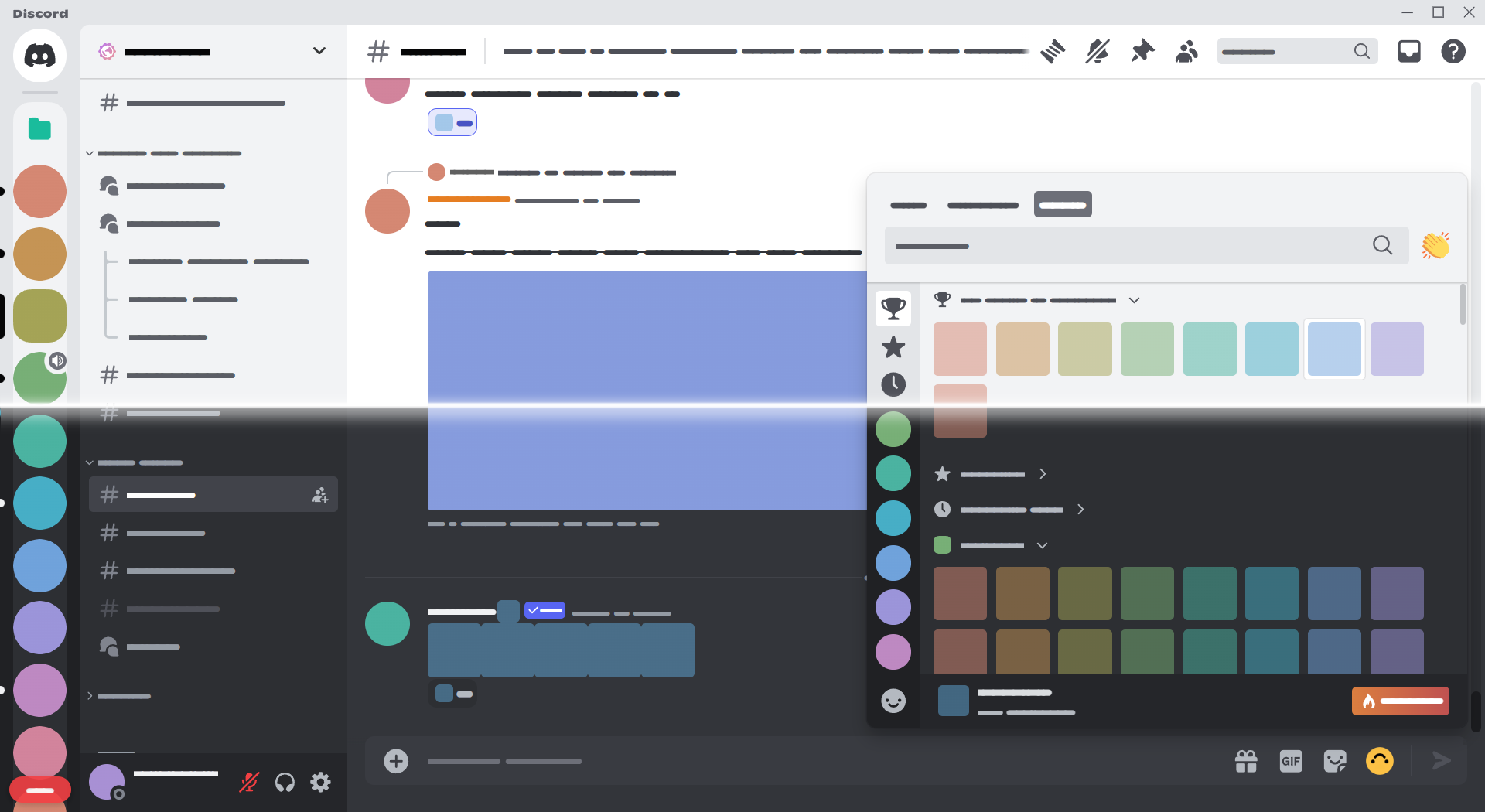
| Demonstrating themes in dark mode | Demonstrating themes in light mode |
|---|---|
 |
 |
 |
 |
Install a client mod, then follow the instructions below.
Click to expand
- Download
Demonstration.theme.css: - Place the file in the themes folder:
Settings>BetterDiscord>Themes>Open Themes Folder
- Toggle on the theme card.
Click to expand
- Click to install:
- Download
net.saltssaumure.Demonstration.asar: - Place the file in the themes folder:
Settings>Replugged>Themes>Open Themes Folder
- Click
Load Missing Themesand toggle on the theme card.
Click to expand
- Download
Demonstration.theme.css: - Place the file in the themes folder:
Settings>Vencord>Themes>Local Themes>Open Themes Folder
- Click
Load missing Themesand toggle on the theme card.
- Paste the link in
Settings>Vencord>Themes>Online Themes:https://minidiscordthemes.github.io/Demonstration/Demonstration.theme.css
To edit the following variables, follow the instructions for your client mod.
| Variable | Description | Valid values | Default value |
|---|---|---|---|
--demo-font-variant |
Font style for censored text | Circular or Rounded or Block |
Circular |
--demo-font-emoji |
Font style for emojis | Noto or none |
Noto |
--demo-text |
Toggle text censor | censor or normal |
censor |
--demo-clientmod |
Toggle client mod element visibility | visible or hidden |
visible |
--demo-emoji-radius |
Corner rounding for emojis | Any length | 4px |
--demo-emoji-opacity |
Opacity for emojis | 0 to 1 |
0.5 |
--demo-icon-hue |
Hue for icons, emojis, badges | 0 to 360 |
240 |
--demo-image-hue |
Hue for image attachments | 0 to 360 |
270 |
--demo-banner-hue |
Hue for server banners | 0 to 360 |
180 |
--demo-self-hue |
Hue for your own avatar | 0 to 360 |
300 |
Click to expand
- Open
Settings>BetterDiscord>Themes. - Click the pencil icon on this theme.
- Edit the variable values and save changes.
Click to expand
- Enable
Automatically Apply Quick CSSinSettings>Replugged>General. - Open
Settings>Replugged>Quick CSS. - Copy and paste lines 15-27 of
Demonstration.theme.css. - Edit the variable values and save.
Click to expand
Open Themes FolderinSettings>Vencord>Themes>Local Themes- Open
Demonstration.theme.csswith your favourite text editor. - Edit the variable values and save.
Enable Custom CSSinSettings>Vencord>Vencordand clickOpen QuickCSS File.- Copy and paste lines 15-27 of
Demonstration.theme.css. - Edit the variable values.
- TL;DR;NAL: Do whatever you want with this theme, just include the original license.
- Flow typeface by Dan Ross - OLF-1.1 license
- Noto Emoji by Google - OLF-1.1 license
