MadicTrack is a health metrics dashboard designed to display patients' lab results over time. This project emphasizes frontend development skills with a lightweight backend implementation.
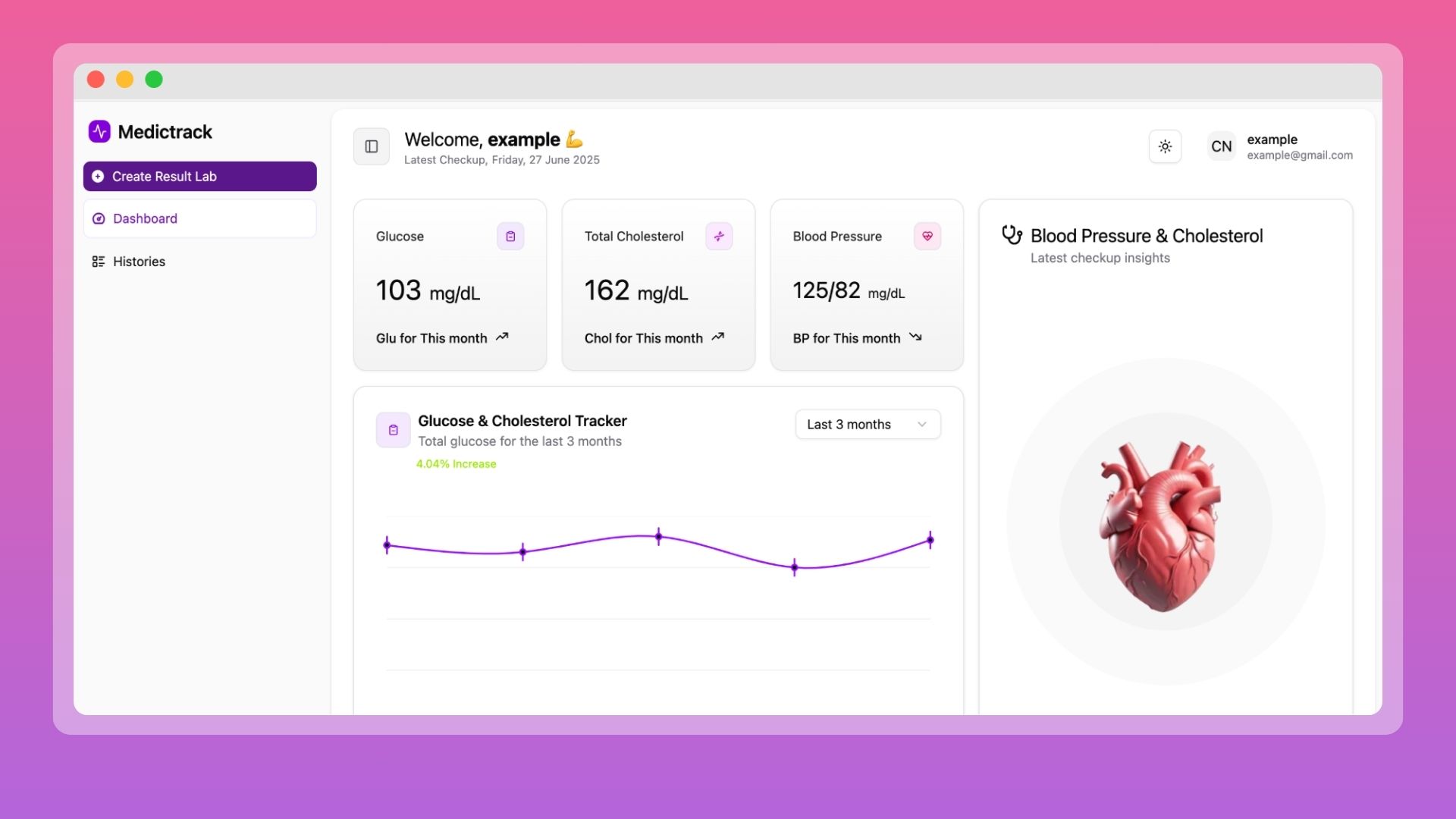
- User authentication (signup/signin) working
- JWT token management
- Lab results dashboard displaying all three metrics
- Data visualization with appropriate charts
- Add new lab result functionality
- Mobile responsive design
- Generated realistic mock data with irregular time intervals
- React + Vite + Tailwind CSS + TypeScript frontend
- Backend API with all required endpoints
- Database integration
- Proper error handling throughout
- Loading states for async operations
- Secure token storage implementation
- README with clear setup instructions and assumptions made
- Clean, well-organized code structure
- TypeScript types properly defined
- Components are reusable where appropriate
- No console errors
- Project runs locally without errors
- All features tested and working
- Repository pushed to GitHub/GitLab
- Verified setup instructions work on a clean install
git clone https://github.com/roihan37/meditrack.git
cd MadicTrackNavigate to the server folder:
cd server
npm installCreate a new database in your local and make sure PostgreSQL is running on your local computer. Edit config/config.json:
{
  "development": {
    "username": "postgres",
    "password": "postgres",
    "database": "MeditrackDB",
    "host": "127.0.0.1",
    "dialect": "postgres",
    "port": 5433
  }
}
⚠️ Adjust the port number if your local PostgreSQL uses a different one.
npx sequelize-cli db:migrateIf you have seed files (e.g., for users or lab results), you can run:
npx sequelize-cli db:seed:allCreate an .env file in the server folder of .env.example and add: Then change the example.
Required:
JWT_SECRET_KEY
Run the development server:
npx nodemon app.jshttp://localhost:3000 then we are ready on the server
Navigate to the client folder:
cd ../client
npm install
npm run dev
Open http://localhost:5173 then we're ready
If you want to see an example of seeded data, log in with the email account example@gmail.com, password 12345678
Built with by Roihan Salsabila